

Introduction: The Silent Sabotage of an Underperforming Website
Is your website, your brand’s digital front door, actively undermining your success? A staggering 67% of businesses report losing revenue due to poor website performance, and slow-loading sites alone cost retailers an estimated $2.6 billion in lost sales annually.
These aren’t just numbers; they represent real customers and income lost because a website fails to meet basic user expectations. In today’s digital marketplace, your website is often the first—and sometimes only—interaction potential customers have with your brand. A poor experience drives customers away, directly impacting your conversion rates and potentially damaging your brand’s reputation as frustrated users share their negative experiences.

A website not designed with the customer at its core is a liability. Issues like slow load times, confusing navigation, poor mobile optimization, or a lack of trust signals create frustration and lead to abandonment. This translates directly into lost leads, missed sales, and a damaged brand. This article dives into common pitfalls that cause websites to lose customers and provides actionable, data-backed strategies to fix them, transforming your site from a liability into a growth engine.
The Criticality of User Experience (UX): Why Frustration Drives Customers Away
User Experience (UX) encompasses a visitor’s entire interaction with your website. A poor UX is a primary driver of customer frustration and abandonment. When users face illogical navigation, cluttered design, or unclear information, they quickly become frustrated, leading to high bounce rates and lost conversions. Key elements contributing to poor UX include:
- Confusing Navigation: Illogical menu structures, inconsistent labeling, or a lack of clear signposting make it hard for users to find what they need.
- Cluttered and Outdated Design: Overloaded interfaces and poor visual hierarchy increase cognitive load. An outdated aesthetic signals a lack of professionalism.
- Unclear Information and Value Proposition: If visitors can’t quickly understand what your site offers and how it benefits them, they’ll leave.

The consequences are severe: 88% of online consumers are less likely to return to a site after a bad experience. A poor UX also damages brand perception and can alienate users with disabilities if accessibility guidelines (like WCAG) are ignored. Addressing website usability is fundamental for conversions, brand health, and inclusivity.
The Speed Imperative: How Slow Loading Times Bleed Revenue and Trust
In the digital age, speed is paramount. Nearly half (47%) of users expect a webpage to load in 2 seconds or less, and 40% will abandon a site taking longer than 3 seconds. On mobile, 53% of visitors leave if a page takes longer than 3 seconds.
The correlation between load time and bounce rate is stark: Google data shows the probability of a bounce increases by 32% as load time goes from 1 to 3 seconds, and by 90% as it goes from 1 to 5 seconds. A mere one-second delay can reduce conversions by 7-20%. Google’s Core Web Vitals (CWV)—Largest Contentful Paint (LCP), First Input Delay (FID), and Cumulative Layout Shift (CLS)—are direct ranking factors, meaning slow speed also harms SEO.

Technical culprits include unoptimized images, bloated code, slow server response times (TTFB), render-blocking resources, and excessive HTTP requests. Slow speed also erodes trust, as users equate speed with professionalism and reliability.
The Mobile Mandate: Ignoring Mobile Optimization is Ignoring Your Audience
Mobile devices account for over 60% of global website traffic. Ignoring mobile optimization means alienating the majority of your potential audience. An unresponsive website design delivers a frustrating mobile experience, with users forced to pinch and zoom, encountering tiny text, and difficult-to-tap buttons.

Consequences are immediate: 57% of users won’t recommend a business with a poorly designed mobile site, and 40% will visit a competitor after one bad mobile experience. Google’s mobile-first indexing means your mobile site’s quality dictates your search ranking across all devices. A poor mobile experience directly harms SEO. Many businesses see a mobile conversion gap—high mobile traffic but low conversions—due to poor usability or complex mobile checkout. Failing to provide a good mobile experience suggests your business is outdated or doesn’t value its customers.
Content Catastrophe: When Your Message Fails to Engage and Convert
Your website’s content must be effective, engaging, and purposeful. Visitors expect to find answers and solutions quickly. Content needs to be clear, concise, valuable, and highly readable. Dense text, jargon, or confusing structure cause disengagement. Nearly 40% of people leave a website if the content or layout is unappealing. If your message isn’t easily understood, visitors won’t stay.

Effective content aligns with the customer journey, delivering the right information at the right stage. Enhancing readability (short paragraphs, clear headings, simple language) improves engagement and accessibility. While not a direct ranking factor, positive user signals from readable content indirectly support SEO. Supplement text with visual content like images and videos. Ensure your Unique Value Proposition (UVP) is clear.
The Trust Deficit: How Security Lapses and Credibility Gaps Lose Customers
Trust is paramount online. Without it, conversions are nearly impossible. HTTPS (SSL/TLS certificate) is foundational; browsers flag non-HTTPS sites as insecure, causing 84% of users to abandon a purchase. Google also uses HTTPS as a ranking signal.

Other vital trust signals include:
- Security Badges and Payment Logos: Recognizable badges (Norton, McAfee) and payment logos (Visa, PayPal) reassure users. 79% of consumers look for trust seals.
- Customer Testimonials and Reviews: Authentic social proof is powerful; 93% of consumers say online reviews influence their decisions.
- Professional Design: 75% of consumers judge credibility based on website design.
- Clear Contact Information: Lack of accessible contact details is a red flag for 44% of visitors.
- Comprehensive “About Us” Page: 52% of users want to see this page to gauge legitimacy.
- Transparent Policies: Clearly display Privacy, Terms, and Return policies.
- Error-Free Experience: Broken links and typos erode trust.
Demonstrating E-E-A-T (Experience, Expertise, Authoritativeness, Trustworthiness) through high-quality content and clear credentials also builds trust.
Navigational Nightmares and CTA Catatonia: When Users Don’t Know Where to Go or What to Do
Even if interested and trusting, users won’t convert without clear direction.
Confusing Website Navigation: If users can’t easily find information, they’ll leave. A logical Information Architecture (IA) and intuitive menus are essential. Poor navigation is cited by 61.5% of designers as a primary reason users leave. Issues include illogical menus, inconsistent labels, hidden navigation, broken links, and poor site search.
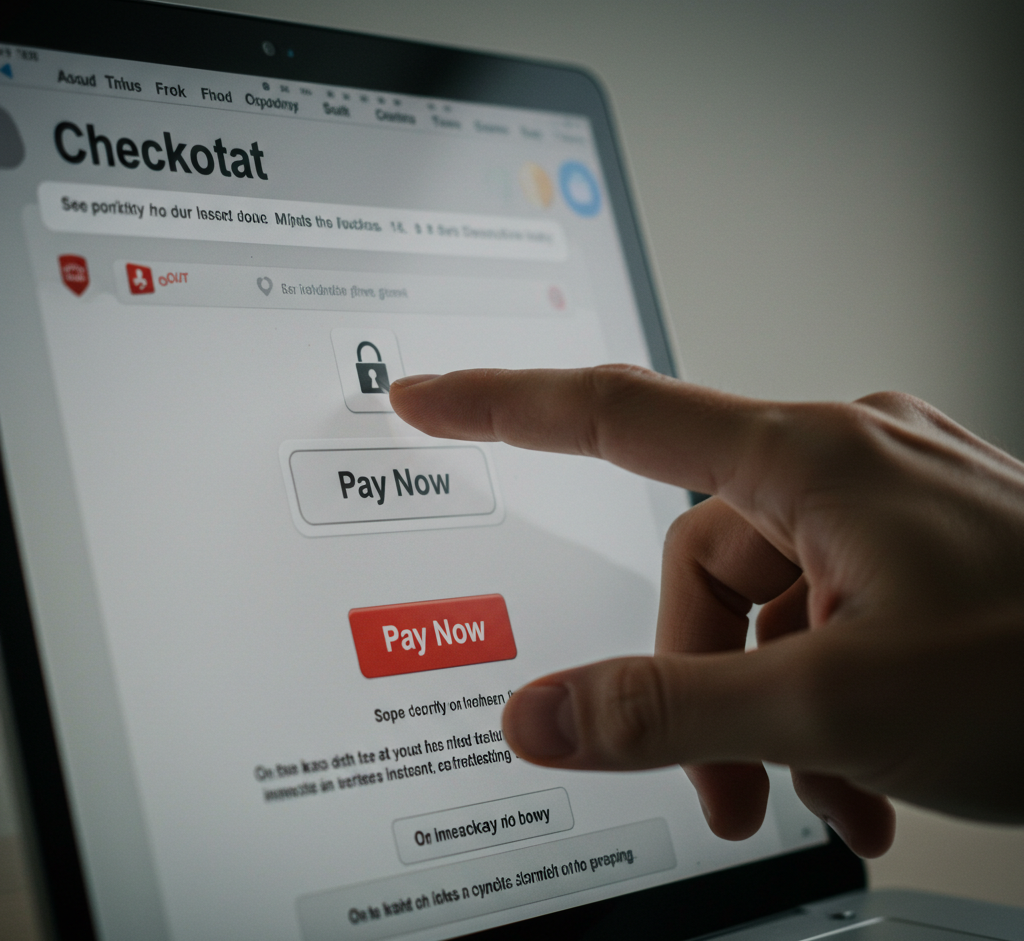
Ineffective Calls to Action (CTAs): Weak, vague, or poorly placed CTAs kill conversions. 70% of small B2B websites lack a clear homepage CTA. Generic phrases like “Submit” are ineffective. Strong CTAs are:
- Clear & Specific: “Get Your Free Ebook.”
- Value-Driven: “Start Saving Time Today.”
- Action-Oriented: Use strong verbs.
- Visibly Designed: Stand out with color, size, and white space.
- Strategically Placed: Position where users are ready to act.
Personalized CTAs can perform over 200% better than generic ones.
The E-commerce Abyss: The Perils of a Difficult Checkout Process
For e-commerce, the checkout is critical. The average shopping cart abandonment rate is around 70%. This means seven out of ten shoppers who add items to their cart leave without purchasing. A difficult checkout process is a primary cause.
Top reasons for cart abandonment include:
- Extra Costs Too High (Shipping, Taxes, Fees) – ~48%: Unexpected costs create sticker shock.
- Required Account Creation – ~24-26%: Forcing registration is a major deterrent. Offer guest checkout.
- Too Long / Complicated Checkout Process – ~17-22%: Users value simplicity and efficiency.
- Didn’t Trust Site with Credit Card Info – ~18-25%: Lack of security signals erodes trust.
Estimates suggest $260 billion in lost e-commerce orders are recoverable through better checkout design. Simplifying the process by minimizing steps, ensuring cost transparency, and building trust is crucial.
The Blueprint for Recovery: Actionable Strategies to Fix Your Ailing Website
Here are practical solutions to transform your website:
1. Revolutionizing User Experience (UX):
- Develop logical site structure (IA) with clear menu labels and breadcrumbs.
- Use clear visual hierarchy, ample white space, and legible typography.
- Ensure WCAG compliance for accessibility (alt text, keyboard navigation, color contrast).
- Conduct regular usability testing and gather user feedback (heatmaps, surveys).
2. Igniting Website Speed and Performance:
- Optimize images: resize, compress, use modern formats (WebP/AVIF), implement lazy loading.
- Minify code (HTML, CSS, JS), enable server compression (Gzip/Brotli), leverage browser caching.
- Improve server response time (TTFB) with quality hosting and a CDN.
- Eliminate/defer render-blocking resources; monitor with PageSpeed Insights, GTmetrix.

3. Embracing Mobile-First Excellence:
- Implement Responsive Web Design (RWD) with fluid grids and flexible images.
- Adopt a mobile-first design philosophy, prioritizing content for small screens.
- Optimize for touch: ensure adequate tap target sizes (min. 48×48 CSS pixels).
- Test rigorously on real devices and ensure mobile content parity.
4. Crafting Content That Captivates and Converts:
- Write audience-centric, value-driven copy focusing on benefits.
- Enhance readability: short sentences/paragraphs, headings, bullet points, clear language.
- Integrate SEO strategically: keyword research, natural integration, focus on user intent.
- Use compelling headlines and diverse content formats (images, video).
5. Fortifying Trust and Establishing Authority:
- Ensure site-wide HTTPS.
- Display prominent trust signals: security badges, payment logos, customer testimonials, third-party reviews.
- Maintain a professional design and provide clear, accessible contact information and policies (“About Us,” Privacy).
- Demonstrate E-E-A-T through high-quality, expert content.
6. Designing Compelling CTAs and Intuitive Navigation:
- Use clear, action-oriented, benefit-driven CTA language.
- Ensure CTAs are visually distinct and strategically placed.
- Organize content with logical IA and user-friendly menus.
- A/B test CTAs and navigation elements for continuous improvement.
7. Streamlining E-commerce Checkout:
- Offer prominent guest checkout.
- Minimize steps and form fields; aim for a single-page or clear multi-step process.
- Ensure full cost transparency early (shipping, taxes).
- Provide multiple secure payment options and reinforce trust with security indicators.
- Implement cart recovery emails.
8. Leveraging Website Analytics for Continuous Improvement:
- Track key metrics in GA4 (Engagement Rate, Conversions, User Acquisition).
- Use qualitative tools: heatmaps, session recordings, surveys for the “why.”
- Conduct regular A/B testing on page elements to validate hypotheses.
- Establish a cycle: Analyze -> Hypothesize -> Test -> Implement -> Monitor.
Conclusion: Transform Your Website from a Liability to Your Greatest Asset
If your website suffers from poor UX, slow speeds, mobile neglect, unengaging content, a trust deficit, unclear CTAs, or a difficult checkout, it’s actively costing you customers and revenue. These are critical flaws.
The path to recovery involves prioritizing UX, optimizing for speed and mobile, building trust, and crafting clear content and CTAs. Stop allowing your website to be a drain. By implementing these actionable fixes, you can transform your site from a liability into your most powerful asset for customer acquisition, retention, and sustainable growth. Your future customers, and your bottom line, depend on it.
Leave a Reply
You must be logged in to post a comment.